Web Designer vs. Web Developer: What’s the Difference?
The internet powers businesses, education, entertainment, and communication, making websites an essential part of everyday life. Behind every successful website are professionals with different areas of expertise who work together to create engaging digital experiences.
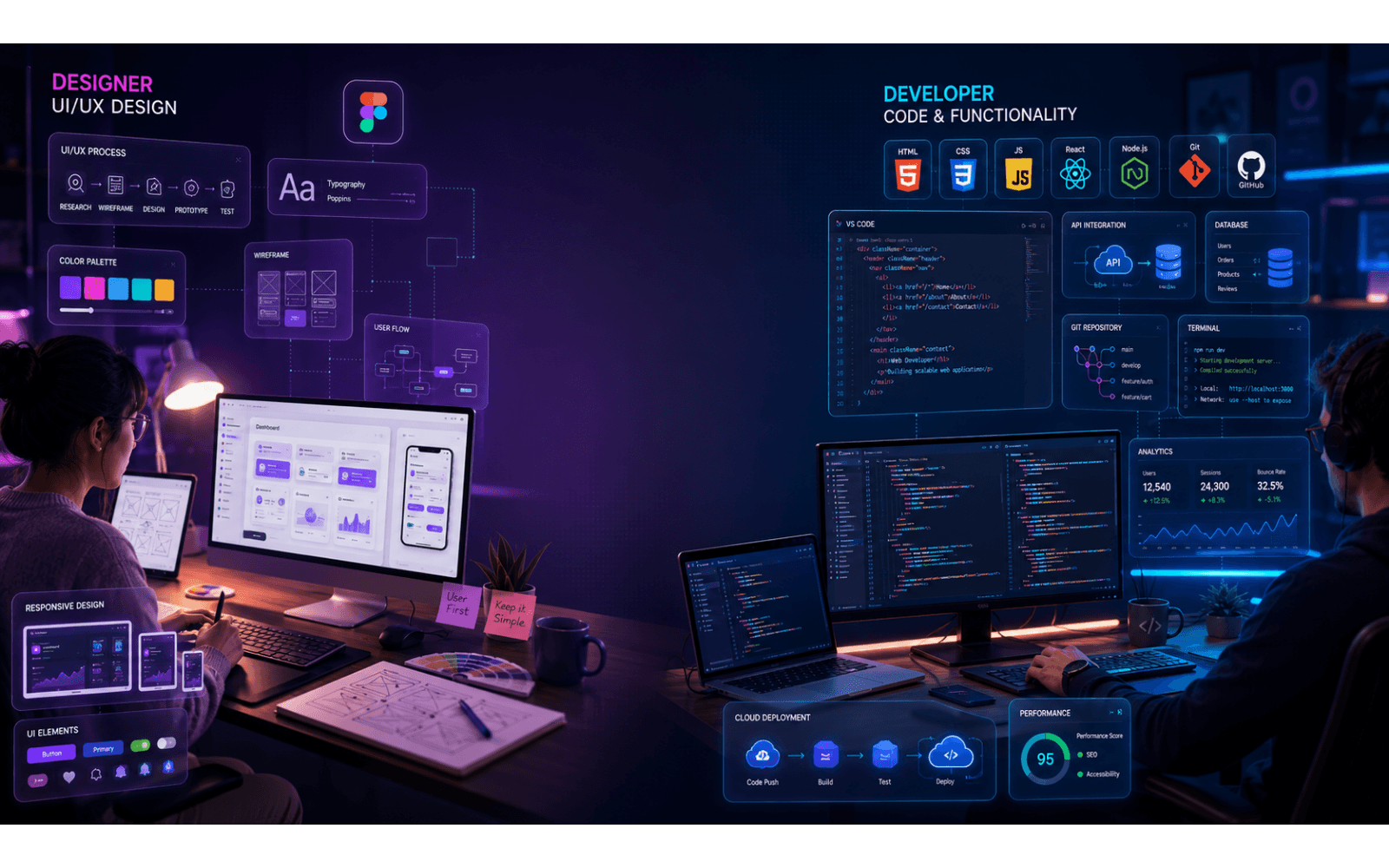
Two of the most common careers in this field are web design and web development. While these roles often overlap and require close collaboration, they involve different responsibilities and skill sets. According to the source article, web designers focus on the visual appearance and user experience of a website, while web developers transform those designs into functional, secure, and responsive websites using code.
If you’re considering a career in technology or planning to hire a professional for your next website project, understanding these differences is essential.
What Is a Web Designer?
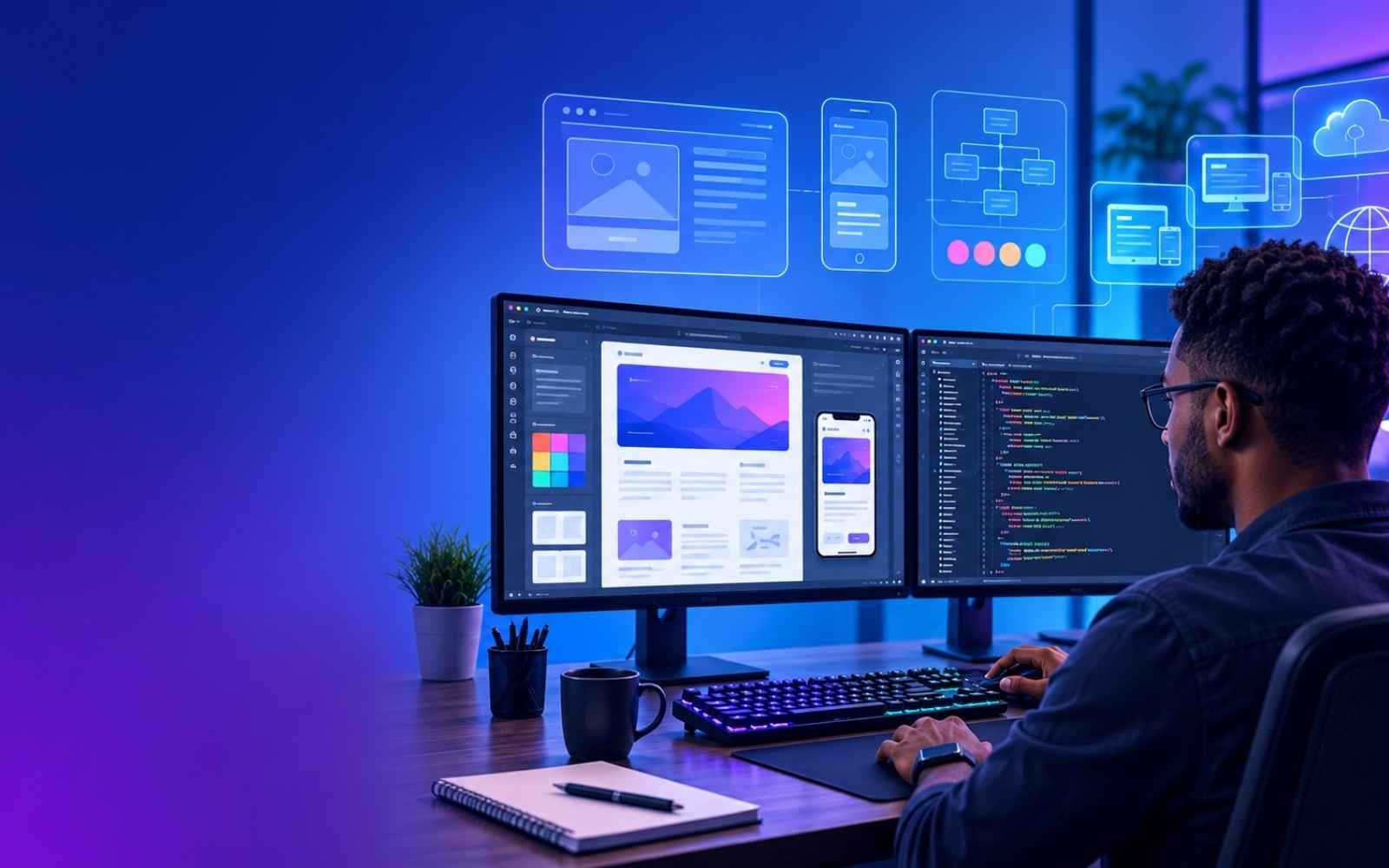
A web designer is responsible for creating the visual identity and overall user experience of a website. Their work centers on how a website looks, feels, and guides visitors through its content.
According to the uploaded source, a web designer’s role generally includes three core areas:
- User Interface (UI): Designing the look and feel of the website while reinforcing the brand’s identity.
- User Experience (UX): Making navigation intuitive and improving usability based on user feedback.
- Visual Design: Arranging layouts, graphics, typography, and colors in an attractive and consistent way.
A web designer may also create wireframes, mockups, and prototypes before development begins, helping clients visualize the finished product.
What Is a Web Developer?
A web developer takes a designer’s vision and builds the website using programming languages and development frameworks. Developers ensure that websites are functional, responsive across devices, secure, and compatible with different browsers.
The source distinguishes three common development specializations:
Front-End Development
Front-end developers create the parts of a website users interact with directly, such as navigation menus, forms, animations, and page layouts.
Back-End Development
Back-end developers work behind the scenes, managing servers, databases, and application logic to ensure the website operates reliably.
Full-Stack Development
Full-stack developers combine front-end and back-end expertise, allowing them to work across the entire web development process.
Web Designer vs. Web Developer: Quick Comparison
| Feature | Web Designer | Web Developer |
|---|---|---|
| Primary Focus | Visual appearance and user experience | Website functionality and programming |
| Main Goal | Create intuitive and attractive designs | Build responsive and secure websites |
| Core Skills | UI, UX, visual design | Programming and application logic |
| Typical Output | Wireframes, mockups, prototypes | Functional websites and web applications |
| Common Tools | Figma, Adobe Photoshop, Illustrator | HTML, CSS, JavaScript, React, Python, Node.js |
| Collaboration | Works closely with developers | Implements the designer’s vision |
The source emphasizes that these roles are complementary rather than competing. Designers shape the user experience, while developers make those designs work in practice.
Why These Roles Work Together
Successful websites rely on both design and development expertise. Designers focus on aesthetics, usability, and branding, while developers handle coding, browser compatibility, responsiveness, performance, and security. Together, they create websites that are both visually appealing and technically reliable.
Essential Skills of a Web Designer
A web designer combines creativity with technical understanding to create websites that are visually appealing, user-friendly, and aligned with a brand’s goals. According to the uploaded source, successful web designers typically possess the following skills:
1. UI (User Interface) Design
UI design focuses on how users interact with a website. A web designer creates visually engaging interfaces that are consistent with a brand’s identity and easy to navigate.
Key UI Skills
- Layout design
- Button and navigation design
- Design systems
- Responsive layouts
- Visual hierarchy
2. UX (User Experience) Design
UX design ensures visitors can easily accomplish their goals on a website. It involves researching user behavior, identifying pain points, and improving usability.
A good UX designer creates websites that are:
- Easy to navigate
- Fast to use
- Accessible
- Customer-focused
3. Visual Design
Visual design involves combining typography, colors, spacing, imagery, and graphics to create attractive interfaces. The source highlights knowledge of color theory, typography, composition, and web design principles as important competencies.
4. Basic Front-End Knowledge
Although web designers aren’t primarily responsible for coding, the source notes that having a basic understanding of HTML, CSS, JavaScript, and front-end programming helps designers collaborate more effectively with developers.
5. SEO Awareness
Understanding common search engine optimization (SEO) techniques allows designers to build websites that support discoverability and better user experiences.
6. Communication & Teamwork
Web designers regularly work with developers, project managers, marketers, and clients. Strong communication, teamwork, adaptability, and time management are highlighted as valuable professional skills.
Essential Skills of a Web Developer
Web developers focus on building the technical foundation of websites and applications. Depending on their specialization, they may work on the front end, back end, or both.
The source identifies several core competencies common to web developers.
Programming Languages
Front-end developers commonly work with:
- HTML
- CSS
- JavaScript
Back-end developers may use:
- Python
- Java
- SQL
Frameworks & Libraries
Developers often use modern frameworks to build scalable web applications.
Examples mentioned in the source include:
- React
- Angular
- Node.js
- Django
- Flask
Database Management
Developers need an understanding of database architecture and data management to support website functionality.
APIs
Application Programming Interfaces (APIs) enable websites and applications to exchange data with external services. Proficiency in working with APIs is listed as a key development skill.
Debugging & Problem Solving
Web developers regularly troubleshoot issues, identify bugs, and optimize performance. Strong critical thinking and communication skills are also important.
Popular Tools Used by Web Designers
The uploaded article highlights several tools commonly used by designers.
| Tool | Purpose |
|---|---|
| Figma | UI design, prototyping, collaboration |
| Adobe Photoshop | Image editing |
| Adobe Illustrator | Vector graphics and illustrations |
| Adobe XD | Wireframing and UI design |
| Adobe Dreamweaver | Visual design with integrated code editing |
| Sketch | Interface design and prototyping |
Popular Tools Used by Web Developers
The source identifies technologies and tools that developers frequently use to create websites and applications.
| Tool | Purpose |
|---|---|
| HTML | Structure web pages |
| CSS | Styling and layouts |
| JavaScript | Interactive functionality |
| React | Front-end applications |
| Angular | Single-page applications |
| Vue.js | Progressive front-end framework |
| Node.js | Server-side JavaScript |
| Django | Python web framework |
| Flask | Lightweight Python framework |
Education and Learning Path
The uploaded article explains that neither career strictly requires a formal degree, though many professionals pursue degrees related to graphic design, computer science, photography, programming, or digital media. It also recommends subject-specific courses and certifications to build practical skills and portfolios.
Salary Comparison
According to the source (using Glassdoor data as of March 2026):
| Career | Median Total Salary (US) |
|---|---|
| Web Designer | $64,000–$117,000 |
| Web Developer | $77,000–$132,000 |
The article notes that compensation varies depending on location, industry, and experience.
Job Outlook
The source cites the U.S. Bureau of Labor Statistics, noting that employment for web designers and web developers is projected to grow by 7% between 2024 and 2034, reflecting continued demand for digital skills.
Which Career Should You Choose?
Choosing between web design and web development depends on your interests and strengths.
Choose Web Design if you enjoy:
- Creative problem-solving
- Visual storytelling
- Branding
- User experience
- Typography and layouts
- Designing interfaces
Choose Web Development if you enjoy:
- Programming
- Building software
- Solving technical challenges
- Working with databases
- APIs
- Optimizing performance
If you’re interested in both creativity and coding, a full-stack developer or UI/UX engineer path may offer the best of both worlds. (This final recommendation is general guidance and extends beyond the uploaded source.)
Frequently Asked Questions (FAQs)
1. What is the main difference between a web designer and a web developer?
A web designer focuses on the visual appearance and user experience, while a web developer builds the website’s functionality and technical structure.
2. Can one person be both a web designer and a web developer?
Yes. Some professionals develop skills in both areas and work as full-stack developers or multidisciplinary web professionals. (General guidance.)
3. Does a web designer need to know coding?
The source recommends basic knowledge of HTML, CSS, JavaScript, and front-end programming to support collaboration with developers.
4. Which career pays more?
The uploaded source reports higher median compensation for web developers than web designers in the U.S. as of March 2026.
5. Is web design still in demand?
The source indicates that web design and web development are both growing career fields, with projected employment growth through 2034.
Link this article to related content such as:
- What Does a Web Designer Do?
- What Does a Web Developer Do?
- HTML vs CSS vs JavaScript
- How to Become a Front-End Developer
- UX vs UI Design Explained
- How to Build an E-commerce Website
- Responsive Web Design Best Practices
To complement this guide, consider linking readers to official resources such as: